
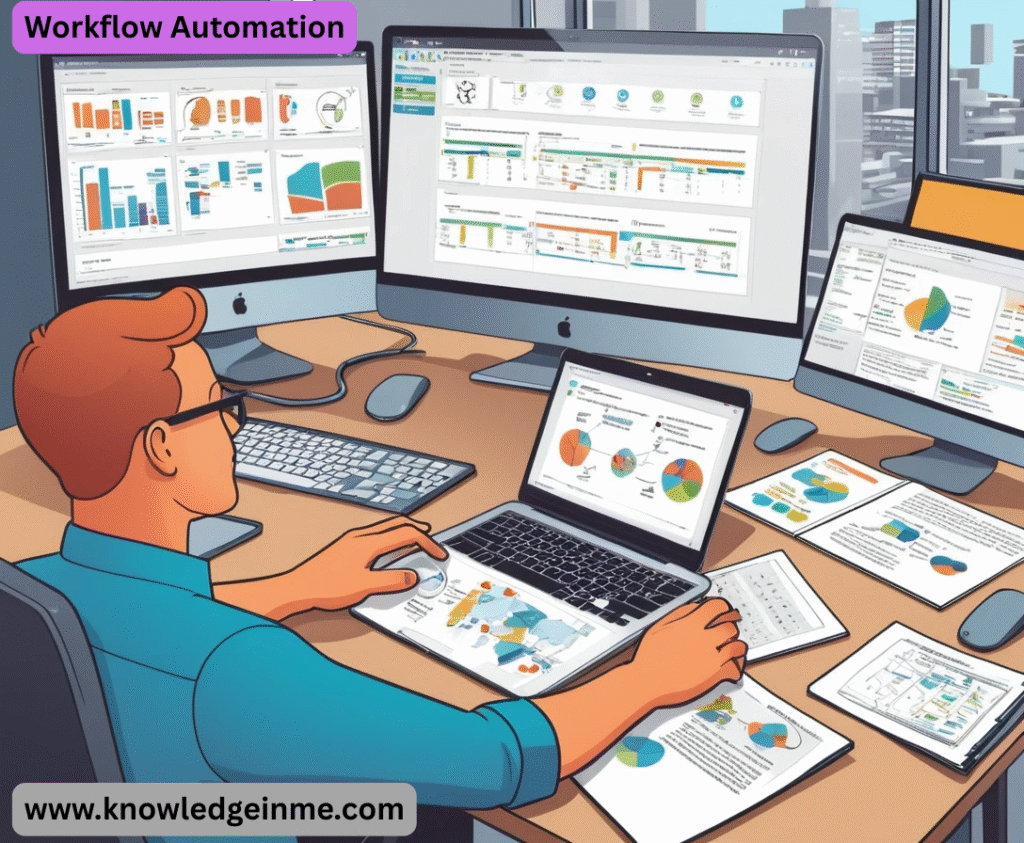

Workflow Automation Of course! Let’s dive deep into the world of Workflow Automation. This is a foundational concept for modern business efficiency, and understanding it is crucial for anyone in operations, IT, or management.
What is Workflow Automation?
- At its core, workflow automation is the use of technology to execute a series of tasks or processes automatically, according to a set of predefined rules and without the need for manual intervention.
- Think of it as creating a “digital assembly line” for information and tasks. It’s about making repetitive, rule-based work happen on its own, freeing up human employees to focus on strategic, creative, and complex problem-solving activities.
- Simple Analogy: Your email inbox’s “Rules” feature is a basic form of workflow automation. You set a rule: “If an email from ‘newsletter@example.com’ arrives, move it to the ‘Newsletters’ folder.” The workflow happens automatically.
How Does It Work? (The Core Components)
- A typical automated workflow consists of three key elements:
- Trigger: The event that starts the workflow. This could be:
A form submission (e.g., a new job application).
- An incoming email or a specific keyword in an email.
- A new record created in a database (e.g., a new customer in your CRM).
- A scheduled time (e.g., every Monday at 9 AM).
A file being uploaded to a cloud storage folder.
- Actions: The series of tasks that are executed automatically after the trigger.
Send an email notification.
- Create a task in a project management tool (like Asana or Jira).
- Update a record in a database (like Salesforce or Airtable).
Generate a document or a report.
- Post a message in a Slack or Microsoft Teams channel.
- Conditions (Rules): The “if/then” logic that dictates the flow of the actions.
- “If the invoice amount is over $10,000, then send it to the Finance Manager for approval. Otherwise, approve it automatically.”
- “If the support ticket is marked as ‘Urgent’, then post a message in the #urgent-support channel.”
Common Examples of Workflow Automation
Employee Onboarding:
- Trigger: HR adds a new hire to the “Starts Next Week” list.
- Actions: Automatically send a welcome email, create IT tickets for laptop and account setup, assign training modules, add the employee to relevant Slack channels, and notify their manager.
Customer Support:
Trigger: A customer submits a support ticket.
- Actions: Automatically categorize the ticket, assign it to the correct support agent based on topic, send an acknowledgment email, and if not resolved in 48 hours, escalate it.
Invoice Processing:
Trigger: An invoice is received via email.
- Actions: Extract data (vendor, amount, date) using OCR, enter it into the accounting software, route it for approval based on amount, and once approved, schedule the payment.
Sales Lead Management:
- Trigger: A visitor fills out a “Contact Us” form on your website.
- Actions: Create a new lead in the CRM, assign the lead to a sales rep, send a personalized follow-up email, and add the lead to a nurturing email sequence.
Social Media Management:
- Actions: Automatically create and schedule promotional posts for Twitter, LinkedIn, and Facebook with the link to the new post.
Tools for Workflow Automation
- The tools range from simple to incredibly powerful:
- No-Code/Low-Code Platforms (for Business Users):
- Zapier: Connects thousands of web apps (e.g., “When a new row in Google Sheets, create a card in Trello”).
- Make (formerly Integromat): A more visual and powerful alternative to Zapier.
- Microsoft PowerAutomate: Deeply integrated with the Microsoft 365 ecosystem.
- Airtable: Combines spreadsheets with a database and allows automation on its data.
Robotic Process Automation (RPA) (for UI-level tasks):
- UiPath, Blue Prism, Automation Anywhere: These “software robots” mimic human actions to automate tasks in legacy systems that don’t have APIs, like clicking buttons and copying data from one screen to another.
Business Process Management (BPM) Suites (for Enterprise):
- Appian, Pega, Kissflow: These are comprehensive platforms for modeling, automating, and optimizing complex business processes from end to end.
Getting Started with Workflow Automation
- Identify: Look for processes that are repetitive, time-consuming, rule-based, and prone to human error. Start with a simple, high-impact process.
- Map: Document the current process step-by-step, including all triggers, conditions, and actions. A simple flowchart works perfectly.
- Choose: Select the right automation tool based on the complexity of the process and your technical expertise.
- Build & Test: Create the automation workflow and test it thoroughly with sample data to ensure it works as intended.
- Deploy & Monitor: Launch the automation and monitor its performance. Be prepared to make adjustments and improvements over time.
The Strategic Imperative: Beyond Basic Efficiency
- While efficiency gains are the initial driver, mature workflow automation becomes a core strategic asset.
- Digital Transformation Catalyst: Automation is the backbone of digital transformation. It’s how you transition from paper-based, siloed processes to seamless, digital-first operations.
- Data-Driven Decision Making: Automated workflows generate valuable data. You can analyze process metrics (e.g., average completion time, bottleneck stages) to make informed decisions about optimizing entire business operations.
- Scalability: Automated processes can handle a 10x increase in volume far more easily than a manual team can. This is crucial for growth and managing seasonal spikes.
- Competitive Advantage: Companies that master automation can operate with lower costs, higher speed, and fewer errors, creating a significant moat between them and slower competitors.
Advanced Concepts & Terminology
Orchestration vs. Automation:
- Automation is about replacing a single, repetitive task (e.g., sending an email).
- Orchestration is the coordination and management of multiple automated workflows and systems to execute a complex, end-to-end business process. Think of automation as the individual musicians, and orchestration as the conductor.
- Example: Onboarding a customer (Orchestration) involves automating: account creation (Workflow A), provisioning services (Workflow B), sending welcome documentation (Workflow C), and assigning a success manager (Workflow D). Orchestration ensures these happen in the correct order and handle failures gracefully.
Human-in-the-Loop (HITL) Automation:
- Not every step can be fully automated. HITL design is crucial for processes requiring human judgment, creativity, or approval.
- Example: An insurance claims process can automatically gather data, validate policy details, and then pause to wait for a human adjuster to assess the damage photos and approve the payout amount. Once approved, the workflow automatically resumes to process the payment.
Intelligent Automation (IA) / Hyperautomation:
- This is the next frontier, combining traditional workflow automation with AI and Machine Learning.
- Cognitive Automation: Using AI to handle unstructured data (emails, documents, images) that rule-based systems can’t process.
- Example: An AI model reads an incoming invoice (a PDF), understands the vendor, amount, and due date even if the layout changes, and feeds this structured data into the automated accounts payable workflow.
- Predictive Analytics: Using ML to predict outcomes and dynamically route workflows.
- Example: A system analyzes customer behavior and predicts a high churn risk. It automatically triggers a “save campaign” workflow, routing the customer to a dedicated retention specialist.
The “Dark Side” & Common Pitfalls to Avoid
- Automating a Broken Process: This is the #1 rule. If you automate an inefficient, convoluted process, all you get is a faster, automated mess. First, optimize the process manually, then automate it.
- Over-Automation / Lack of Human Touch: Automating customer-facing processes without an escape valve can frustrate users. Knowing when not to automate is as important as knowing when to do it.
- Change Management & Employee Fear: Employees may see automation as a threat to their jobs. It’s critical to communicate that automation is a tool to augment their capabilities, eliminating the tedious parts of their job so they can focus on more meaningful work. Involve them in the design process.
- Technical Debt & Spaghetti Automation: Using point-and-click tools for overly complex logic can create a tangled web of unmaintainable “spaghetti” workflows. For critical, complex processes, a code-based approach might be more sustainable.
- Security & Compliance Risks: Automated workflows often have access to multiple systems and data. Poorly designed workflows can create security holes (e.g., accidentally exposing data) or compliance issues (e.g., not maintaining a proper audit trail).
The Future of Workflow Automation
- AI-Powered Workflow Generation: Describe a process in plain language (“Onboard a new marketing employee”) and an AI generates the initial draft of the automation workflow for you to review and refine.
- Self-Optimizing Systems: Workflows that use real-time data and ML to continuously self-adjust, finding the most efficient paths and predicting bottlenecks before they happen.
- Ubiquitous Automation: Automation will become a standard feature embedded in every software application, not just a separate platform. It will be a core digital skill for every knowledge worker.
- Process Mining: A revolutionary technology that uses log data from your existing systems (like ERP and CRM) to discover, monitor, and improve real-world processes by providing a factual, data-driven model of how they actually operate. It tells you what your real workflows are, not what you think they are.